Your Short title
12K views
 PreviewThumbnails
Open 16:9 previewer
PreviewThumbnails
Open 16:9 previewer
FREE · PRIVATE · NO ACCOUNT
See one thumbnail beside other Shorts, or compare up to four drafts with their own titles. Check what gets cropped and how each title wraps. Your images and titles stay in this browser.
PREVIEW
A centered 2:3 crop, observed in desktop YouTube Search on 14 September 2026. Actual crops and layouts can vary. This checks appearance, not measured CTR or audience response.
12K views
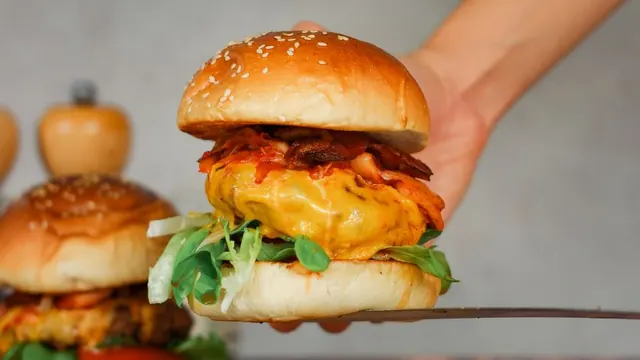
84K views

206K views

37K views
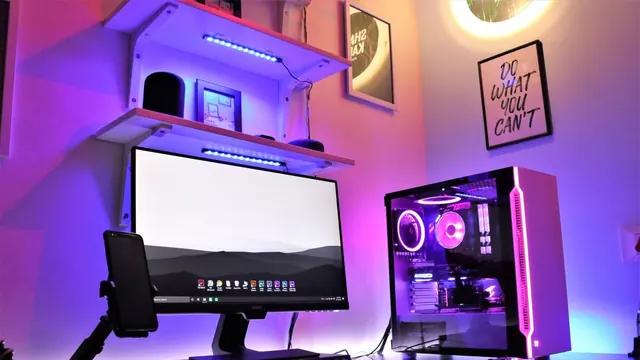
119K views
Your selected draft is first. Scroll the row to compare.
CURRENT GUIDANCE
As checked on , YouTube recommends a 2160 × 3840 image at 9:16 for Shorts, with a minimum height of 640 pixels, formats such as JPG or PNG, and a desktop file size under 50 MB. Custom Shorts thumbnails currently require a verified account and YouTube Studio on a computer. Read the current YouTube thumbnail requirements before publishing.
YouTube currently recommends 2160 × 3840 at 9:16. This previewer preserves the complete image, then shows how a centered 2:3 Search shelf crop may look.
Yes. With a verified account, open YouTube Studio on a computer, go to Content → Shorts and select your Short. Under Thumbnail, choose Upload file, then save. Changes may take time to appear.
No. The Shorts feed is a vertical video player. This tool previews static discovery artwork and does not recreate playback, swipe behavior or viewer response.