
THUMBNAIL DESIGN
YouTube thumbnail
best practices and tips.
Small labels, a word hidden by the timestamp, a title that repeats the image. Here are three things to check in your next thumbnail, with examples of how to fix them.
Open your draft in the YouTube thumbnail previewer and try these checks in Home, Search and Suggested. You can see the effect of a change without publishing the video.
1. Keep thumbnail text readable
The camera setup below has five labels: lighting, camera, sound, editing and budget. They list what’s in the video, but each one gets a tiny part of the image. The second version picks one detail that ties the equipment together: the whole setup costs $500.
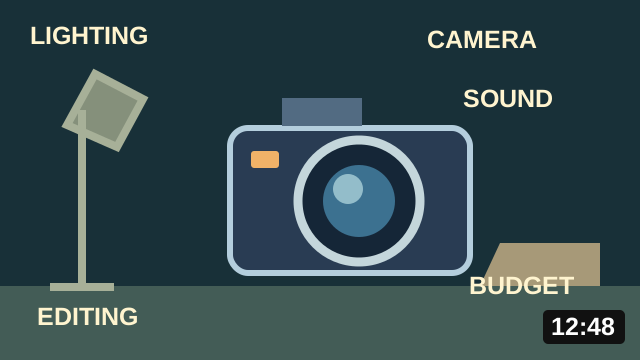
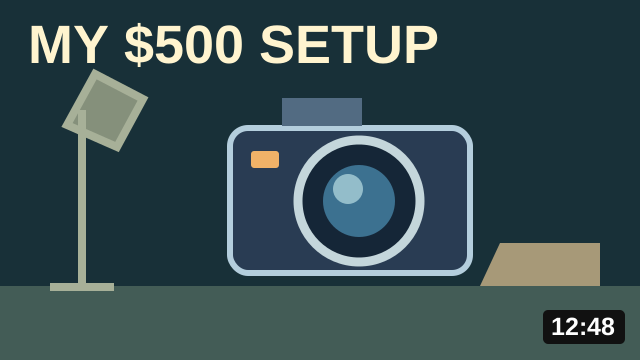
Try the smaller Suggested view with your own draft. If you have to enlarge it to read a label, shorten the wording, increase the type or remove the label. Text is optional when the image already explains the video. YouTube’s thumbnail and title tips recommend an easy-to-read font and checking how thumbnails appear across devices.
2. Keep important details clear of the timestamp
The pasta label sits in the lower-right corner, where the duration appears in the layouts shown here. Part of the word disappears under the badge. Moving the label above it fixes the overlap without changing the rest of the design.
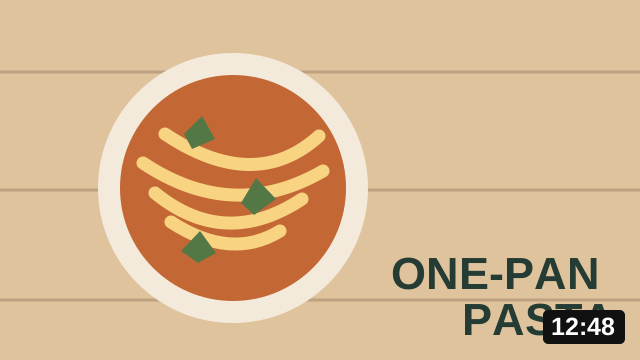
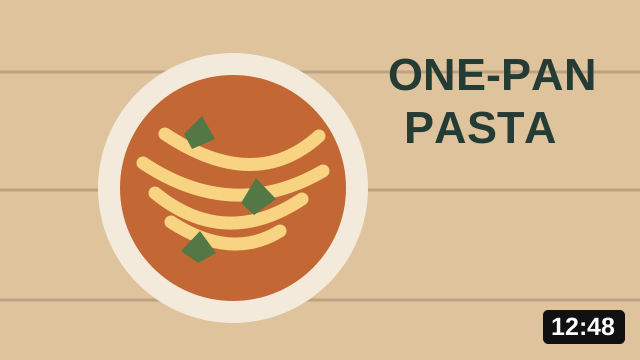
Enter your video’s duration in the previewer’s Video details, then check all three layouts. Keep faces, prices and other essential details away from the badge too. YouTube’s interface can change, so check the displayed result instead of relying on a fixed safe-zone percentage.
3. Pair the thumbnail with a useful title
“Small Room Makeover” appears twice in the first version: across the thumbnail and in the title. The large label also covers the room layouts. In the second version, removing it reveals the before-and-after comparison. The title explains what the video teaches.
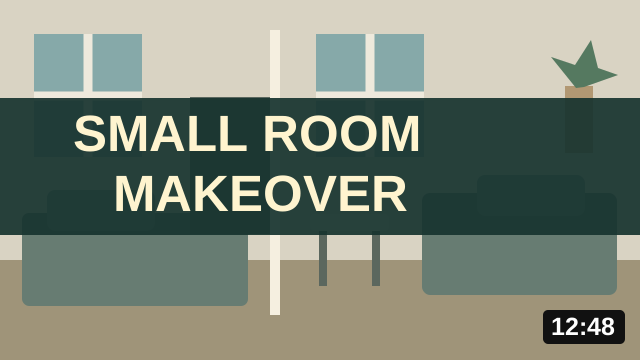
Small Room Makeover
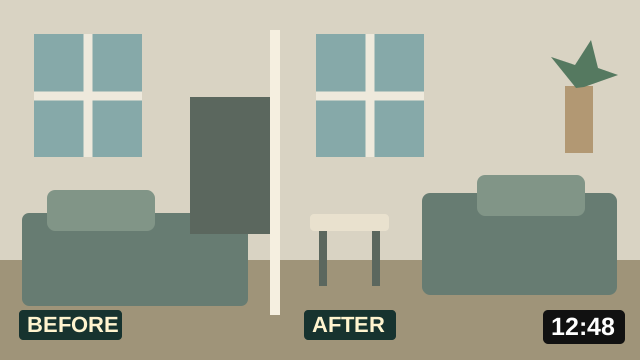
3 layout changes that made this room feel larger
Read your title beside the image in Search, then switch to Suggested to see where it gets cut off. Move the words that explain the video earlier if they disappear. Keep the promise accurate: “3 layout changes” only fits a video that shows those changes. YouTube’s performance guidance covers misleading titles and thumbnails.
Compare the original with your revision
Add both files to the previewer and switch between them without changing the surrounding videos. That makes it easier to spot what your edit did. The previewer walkthrough shows the controls and how to download a comparison sheet.
These illustrations show design edits, not audience-test results. To find out which version earns more watch time, use YouTube Studio’s A/B testing on eligible videos. It compares real viewer responses and selects a winner based on watch time; some tests find no clear winner.
Starting with a blank canvas? Follow how to make a YouTube thumbnail from the first idea to an exported file, using one original desk makeover example.
Before uploading your finished file, check YouTube’s current thumbnail dimensions and file requirements.
Check your own thumbnail